
SchooLane Fees
A clear balance.
A better conversation.
When the office and families can see what is owed and what was paid, the next conversation gets easier. Keep school fee records and family statements together.
Need a quick view before a meeting? Where Advisor is enabled, ask Lane what is owed by class or how collections changed week by week. Check the dates and recorded payments behind the answer. See Lane at work.
See fees in a walkthrough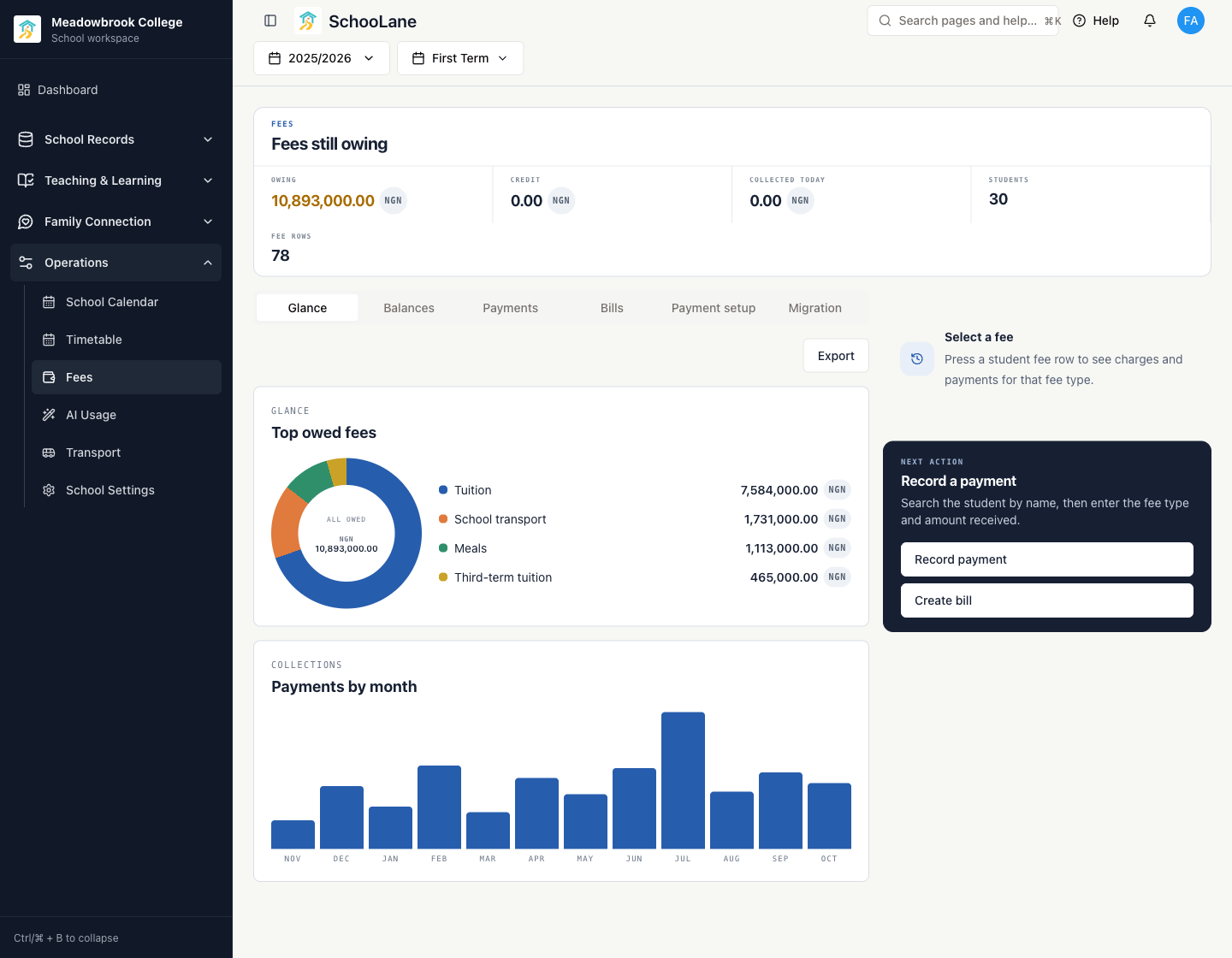
A real local walkthrough with synthetic sample records: 30 demo students, four fee types, and collections across twelve months.
From the office record to the parent’s phone.
01
Start with what is owed
Set up fee types and payment accounts, then import opening balances from your existing records. Keep termly, yearly, and one-off fees in the same place.
02
Record money when it arrives
Choose the pupil and fee, record the amount and payment date, and keep the reference. The payment reduces the balance and stays in its history.
03
Send a clear statement
Create a bill with each charge and due date. Choose email or parent-app notifications when you send it. Families can read the sent statement in the parent app.
04
Help families know what to do next
Show current balances alongside the school’s bank or Mobile Money details and payment advice. Parents pay the school account, then the office records the payment.
Fits the way your school receives money.
Fees is available when enabled for your school’s agreement. SchooLane records payments and shares instructions; families pay your bank or Mobile Money account outside the app.
Read the fees guideBring your fee records into the school day.
We’ll walk through your balances, payment accounts, and family statements with your team.