
SchooLane Learn
A lesson to understand.
A chance to try.
Prepare reviewed lessons with AI in Learn Studio. Give learners explanations, worked examples and another chance to practise. Connect assigned learning with teacher review, while keeping practice separate from official school marks.
See Learn in a walkthrough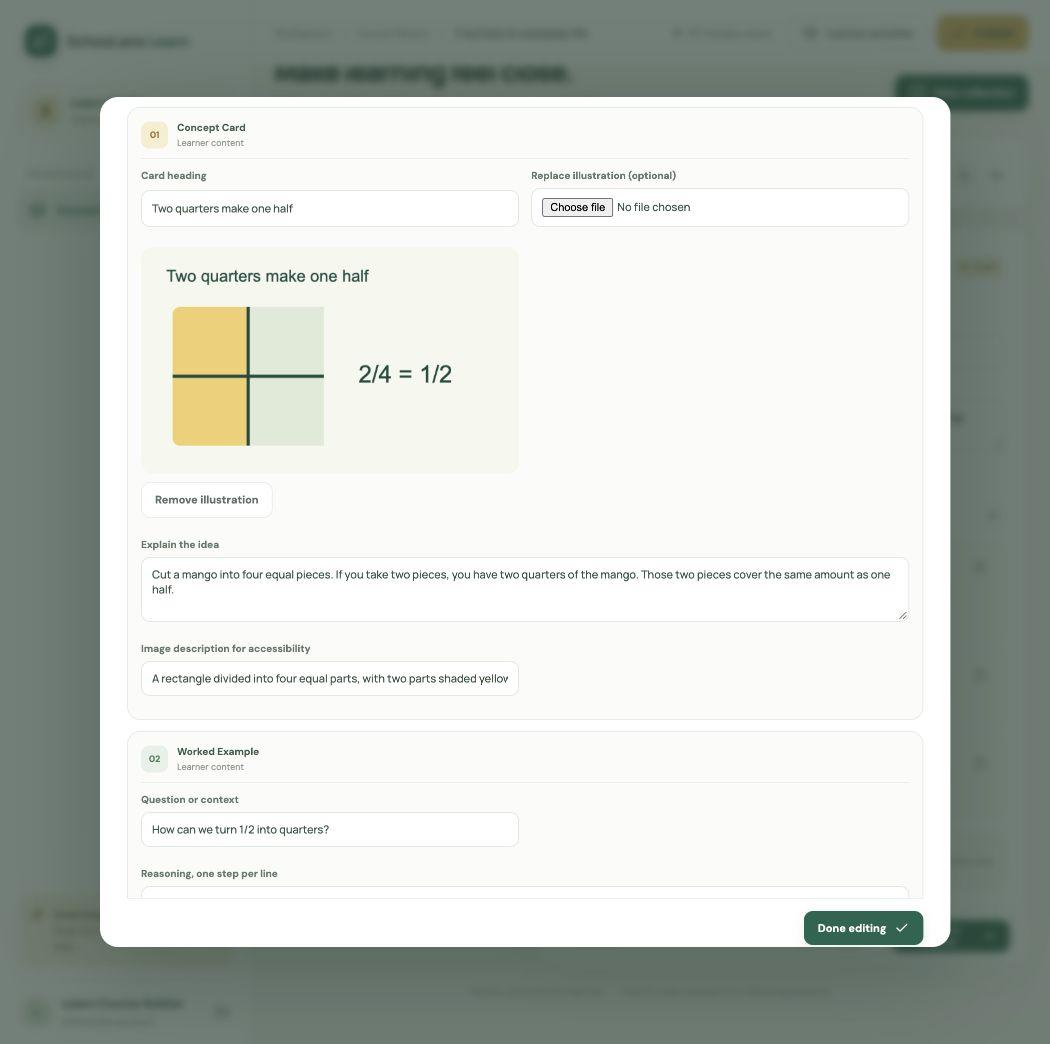
From a teaching idea to a learner’s next attempt.
01
Create with AI. Review with care.
In Learn Studio, start with a brief or a reviewed teaching reference. Ask the assistant for learning goals, explanations, worked examples, or practice questions. Authors edit the content and check answers before publishing.
02
Give learners a useful next step
Short learning paths introduce an idea and give learners a chance to try it. Practice quizzes give feedback as they go. Recall cards come back for review.
03
Explain it back. Find what needs another try.
Teach-back activities ask learners to explain an idea in their own words. When AI comparison is enabled, practice feedback checks the explanation against the lesson’s published guideposts and suggests a next attempt. Learners can still use the guideposts when AI is unavailable. This is practice feedback, not a school grade.
04
Connect practice to school work
Teachers can attach a published Learn lesson to a Classwork task and choose the pupils and deadline. Learners open assigned work from their own Learn account; completion returns evidence to the teacher.
05
Keep the teacher and family connected
Teachers review submitted evidence, choose the mark and feedback, and release the result to the family. Independent practice stays separate from official school grades.
Start with your school.
School Learn access depends on your agreement. School administrators set up learner accounts and course access; teachers assign the work. Learn Studio publishing requires author access.
Read the school Learn setup guideBring the school and home learning day together.
See how your school can prepare lessons, assign work, and review what learners have understood.